Medical displays for hospitals, clinics & imaging workstations.
Clinical, diagnostic and surgical monitors, with a focus on 27-inch displays and above. M3VO helps healthcare organisations and medical technology integrators identify professional display solutions for medical image review, radiology workstations and operating-room visualisation.
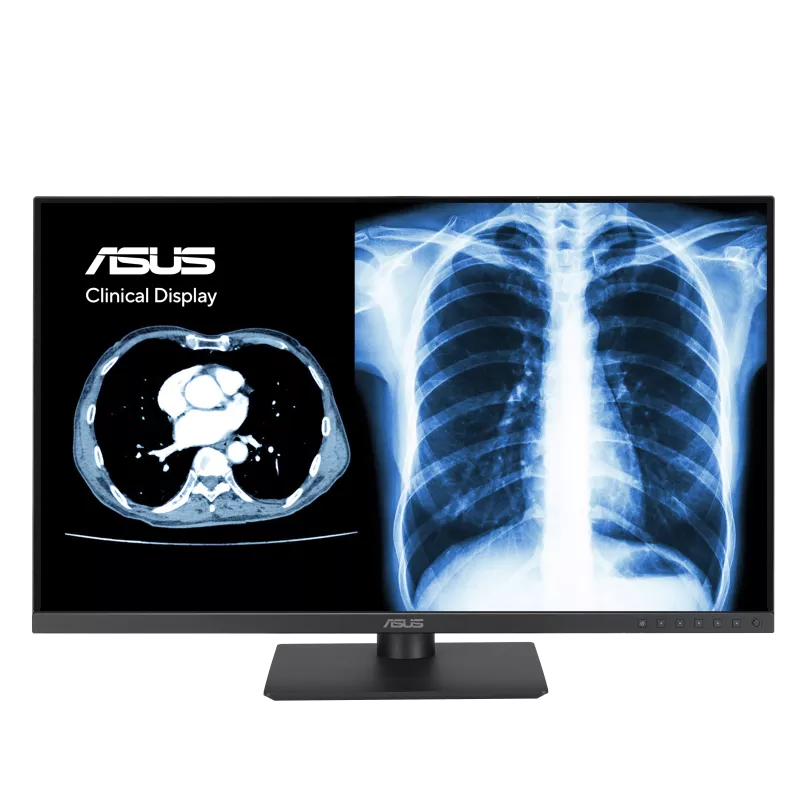
At a glance: clinical, diagnostic and surgical displays
A clinical display is generally used for viewing and discussing medical images; a diagnostic display is selected for an authorised primary-interpretation workflow with stricter performance, calibration and quality-control requirements. A surgical display is optimised for real-time video from surgical or endoscopy systems.
These categories can overlap in marketing descriptions, so always verify the individual model's intended use and local regulatory status.
Clinical displays vs diagnostic displays: what is the difference?
| Buying consideration | Clinical display | Diagnostic display |
|---|---|---|
| Main role | Clinical review, consultation and image sharing | Primary image interpretation where the model is authorised and suitable |
| Common users | Specialists, dentists, ophthalmologists and clinical teams | Radiologists and diagnostic imaging professionals |
| Typical workflows | PACS review, CBCT review, consultation, patient education | CT, MRI, digital radiography and other diagnostic reporting workflows |
| Main purchasing criteria | Screen space, image clarity, usability, connectivity | Calibrated luminance, grayscale response, uniformity, QC and intended-use approval |
| DICOM Part 14 | Available on selected models | Commonly required as part of a broader diagnostic display QA programme |
| 27-inch-and-larger options | 27-inch QHD and 31.5-inch 4K | 27-inch review, 30-inch PACS, 31–31.5-inch 8MP/12MP options |
The key distinction is intended use, not screen size or resolution alone. A 4K display with DICOM Part 14 support is not automatically cleared for primary diagnosis, and mammography may require additional application-specific requirements.
Clinical displays: 27-inch and above
Clinical monitors help healthcare professionals view images and records side by side. Larger displays can be useful for ophthalmology imaging, dental CBCT review, specialist consultations, PACS review, ultrasound and multidisciplinary case discussions.
| Manufacturer | Model | Screen | Native resolution | Typical use |
|---|---|---|---|---|
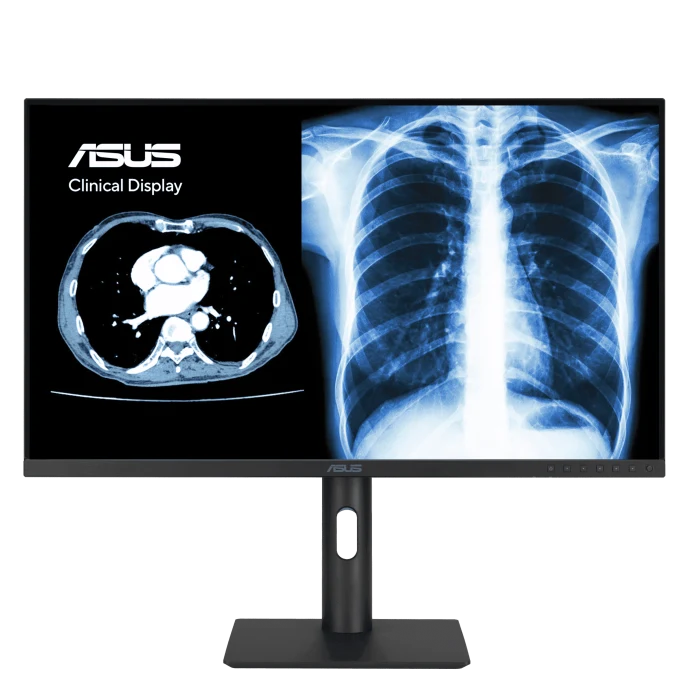
| ASUS Healthcare | MH2741A | 27 in | 2560 × 1440 (3.6MP) | QHD IPS clinical review and PACS viewing |
| ASUS Healthcare | MH3281A | 31.5 in | 3840 × 2160 (8MP / 4K) | Large-format OLED clinical image viewing |
| Reshin | MD46C | 27 in | 2560 × 1440 (~3.7MP; marketed as 4MP) | PACS review, CT/MRI image checking and clinical workstations |
ASUS MH series: the MH2741A and MH3281A include DICOM Part 14 GSDF features and display calibration functions. ASUS categorises these products as clinical displays; do not assume they are cleared for every primary-diagnostic use.
Reshin MD46C: Reshin markets this as a 27-inch 4MP medical display with ambient-light compensation and luminance-stabilisation features, primarily for image checking and PACS review.
Typical applications: ophthalmology diagnostics review, dental imaging and treatment planning, consultation rooms, hospital PACS access and clinical workstation upgrades.
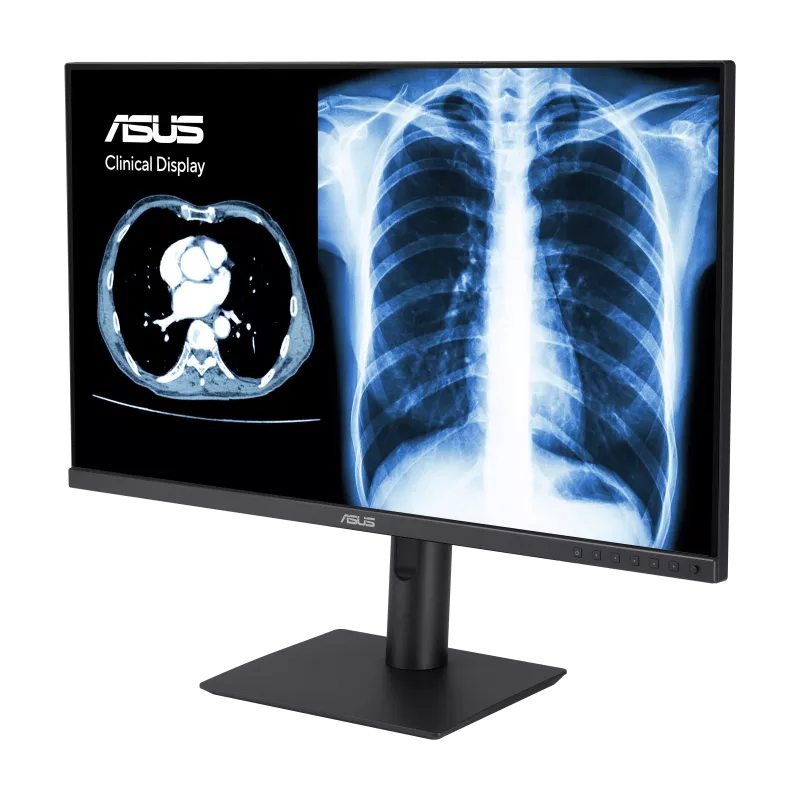
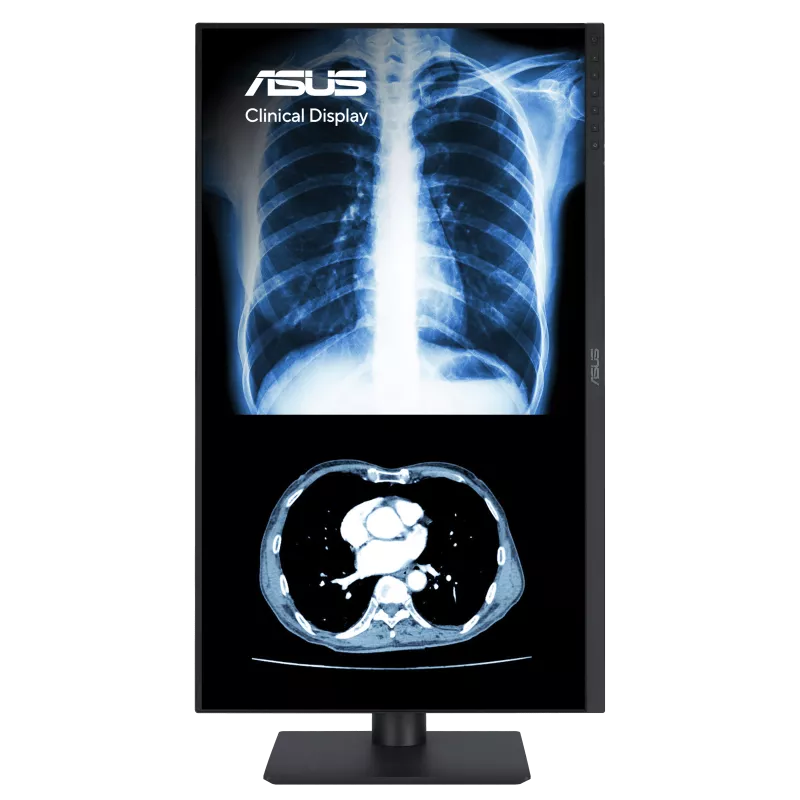
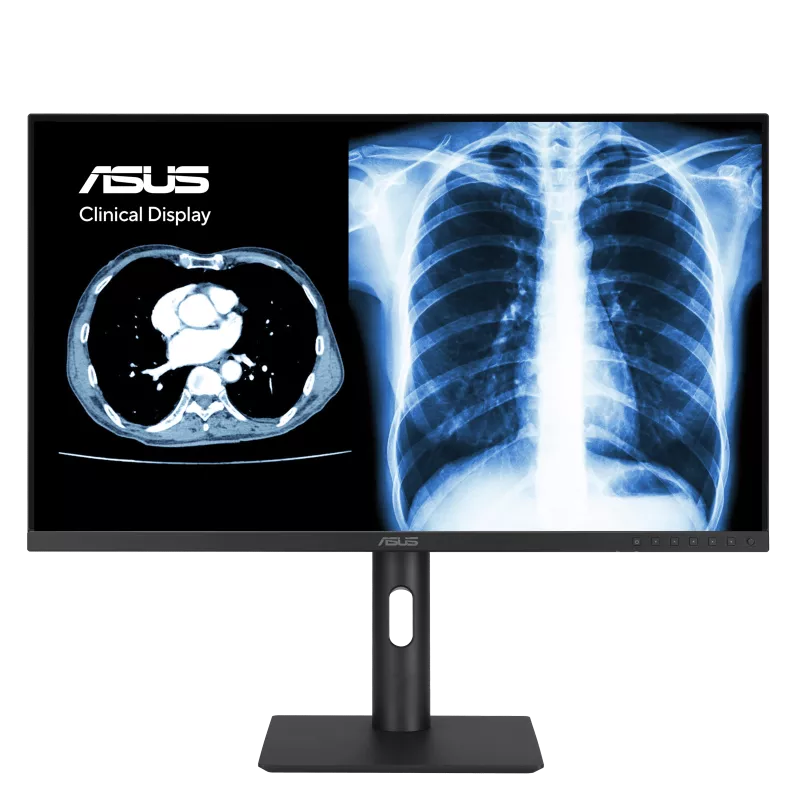
ASUS MH2741A product views
Diagnostic displays: 27-inch and above
Diagnostic-display projects call for careful evaluation of grayscale performance, luminance stability, uniformity, quality assurance, ambient lighting and clinical intended use. The appropriate monitor depends on the modality, reporting task and applicable standards.
| Manufacturer | Model | Screen | Native resolution | Typical use |
|---|---|---|---|---|
| Reshin | MD45C | 30 in | 2560 × 1600 (~4.1MP) | Multi-window PACS review and reporting |
| Reshin | MD85CA | 31.5 in | 3840 × 2160 (8MP / 4K) | Colour multimodality imaging and PACS comparison |
| Reshin | MD120C | 31 in | 4200 × 2800 (~12MP) | Advanced diagnostic imaging and mammography-related workflows |
Reshin positions these products for radiology and related imaging workflows. Before any primary diagnostic deployment, confirm the specific model's approved intended use, regulatory documentation, calibrated performance and the facility's quality-control programme. For mammography, confirm the complete breast-imaging requirements rather than relying on megapixel count alone.
Typical applications: radiology reading rooms, hospital PACS workstations, CT/MRI comparison, diagnostic imaging centres and specialist imaging departments.
Surgical displays: 27 to 55 inches
Surgical displays are selected primarily around real-time video, camera-system compatibility, colour rendering, latency, connectivity, viewing distance, cleaning requirements and mounting. They are not interchangeable with primary-diagnostic reading monitors simply because both are labelled “medical-grade”.
| Manufacturer | Model | Screen | Native resolution | Typical use |
|---|---|---|---|---|
| Reshin | MS270P | 27 in | 1920 × 1080 (FHD) | Endoscopy carts and standard surgical video |
| Reshin | MS275PA | 27 in | 3840 × 2160 (4K) | Compact 4K laparoscopy and endoscopy systems |
| Reshin | MS321PB | 31.5 in | 3840 × 2160 (4K) | 4K operating-room system integration |
| Reshin | MS322PB | 32 in | 3840 × 2160 (4K) | Minimally invasive surgery and multi-source OR display |
| Reshin | MS430PC | 42.5 in | 3840 × 2160 (4K) | Larger OR viewing, hybrid OR and surgical teaching |
| Reshin | MS550P | 55 in | 3840 × 2160 (4K) | Shared-view operating-room applications |
Before specifying a surgical monitor: check the video processor's resolution, frame rate, output connector (such as HDMI, DisplayPort or SDI), mounting requirements and infection-control requirements. Connections and picture-in-picture capabilities vary by model.
Explore medical display manufacturers
27-inch and 31.5-inch MH-series clinical displays for organisations evaluating DICOM-enabled clinical viewing and modern PACS workstations. They can be considered alongside compatible compact computing platforms for an integrated workstation project.
Featured: MH2741A (27-inch), MH3281A (31.5-inch 4K OLED).
A broad portfolio covering clinical PACS review, high-resolution radiology displays and real-time operating-room video: 27-inch review monitors, 30–31.5-inch high-resolution radiology displays and 27–55-inch surgical monitors.
Featured: MD46C, MD45C, MD85CA, MD120C, MS275PA, MS322PB, MS430PC.
ACULA develops medical-display technologies and OEM/ODM video solutions. Its 27-inch clinical-monitor activity has been publicly reported, but a current, fully specified ACULA medical model of 27 inches or larger has not been independently confirmed for this catalogue. M3VO can assess current ACULA medical-display options subject to manufacturer confirmation.
Featured: enquiry-based; ACULA’s LDN-127M and LDN-132M are surveillance/IP monitors, not verified medical-display models, and are intentionally excluded.
Integrated medical workstations: displays and computing
A complete medical workstation for an imaging-intensive practice may combine the following elements.
Common use cases: dental CBCT review, ophthalmic image review, specialist consultations, radiology workstations and medical-equipment integration.
Computer specifications and compatibility should be validated with the clinical software supplier and the display manufacturer before purchase.
- A 27-inch or 31.5-inch clinical display or an appropriately specified diagnostic monitor
- A compatible ASUS NUC or other professional compact PC
- Sufficient RAM, storage and graphics capabilities for the intended PACS, CBCT or imaging software
- Approved connectivity, ergonomic mounting and any required calibration tools
- Installation, integration and ongoing support arrangements agreed for the project
How to choose the right medical monitor
- Define the intended task: clinical review, primary diagnostic reporting or surgical video.
- Choose the display size: 27-inch for compact desks and carts; 31–32-inch for larger workspaces; 42–55-inch for shared OR viewing.
- Match resolution to the workflow: QHD, 4K/8MP or higher-resolution specialist models as required.
- Verify performance: DICOM calibration, brightness, uniformity, colour and applicable quality-control tools.
- Check connectivity and integration: PC graphics output, PACS application, endoscopy processor, mounting and cable routing.
- Verify the exact device's documentation: intended use, model-specific certifications and regulatory requirements in the destination country.
- Request a project quotation: supply quantity, lead time, warranty, service coverage and installation scope.
Frequently asked questions about medical displays
What is the difference between a clinical monitor and a diagnostic monitor?
Is a 27-inch medical monitor suitable for PACS?
Is a 4K monitor automatically suitable for radiology diagnosis?
Which monitors are available in 31-inch or 32-inch sizes?
Can a clinical display be used for mammography interpretation?
What is the difference between a surgical monitor and a diagnostic monitor?
Can M3VO supply a medical display with a compact PC?
Request a medical display quotation.
Tell M3VO what you need: clinical review, diagnostic imaging or surgical visualisation, preferred size (27-inch, 31.5/32-inch, 43-inch or 55-inch), model if known, intended country, required interfaces and approximate quantity.
Manufacturer references and model specifications
Model descriptions are based on manufacturer-published information available as of 7 October 2026.
- ASUS Healthcare — Medical monitors
- ASUS Healthcare — MH Series clinical display classifications
- Reshin — Radiology monitor range
- Reshin — Surgical monitor range
- ACULA Technology — Medical displays and OEM/ODM
- ACULA / USEI — 27-inch clinical monitor announcement (2022)
Regulatory note: products, certifications, availability and permissible clinical uses vary by model and jurisdiction. Nothing on this page is a claim of exclusive or authorised distribution status, or approval of a particular display for primary diagnosis. Confirm all relevant manufacturer documents before deployment.
Product images: ASUS MH2741A. © ASUS; shown to illustrate the model.